


Goods-in is the cornerstone of your warehouse logistics. With the right foundation, you can confidently overcome challenges in goods -in and improve everyday warehouse operations long term. But how does one build this foundation, how can it be expanded in a targeted manner as the business grows, and what hurdles need to be overcome in the process?
Lay the groundwork for transparency and growth with the right tools.
An efficient goods-in process thrives on clear procedures and a solid data base. Intelligent digitalization measures help you capture master data without errors and build a foundation that grows with your requirements - so you can maintain a constant overview and create a stable basis for sustainable growth. Now, what does this look like in practice?
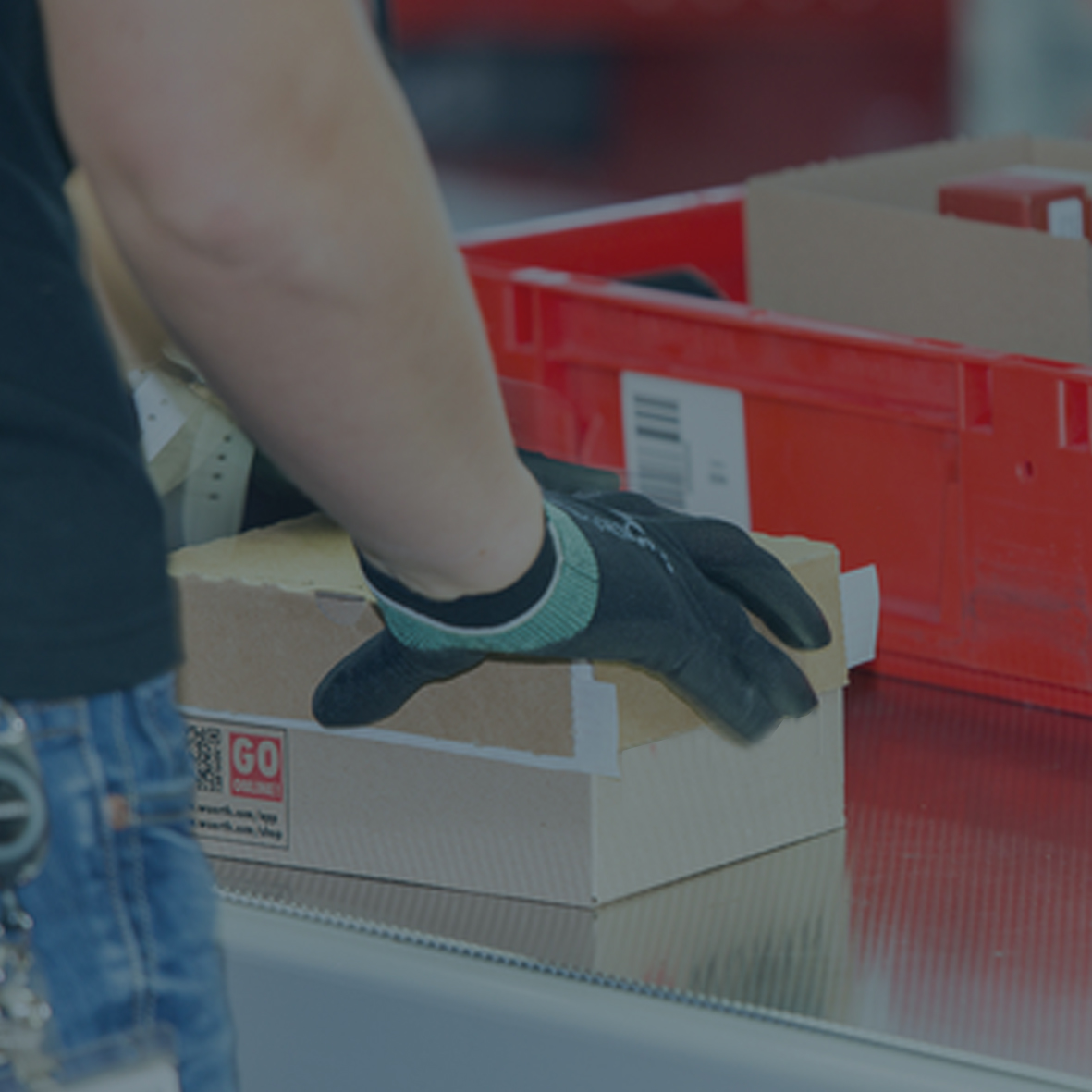
Incoming goods are unloaded and brought directly to the registration station. Item numbers, barcodes, or batch information can be transferred to the system manually or automatically.
Incoming goods are unloaded and brought directly to the registration station. Item numbers, barcodes, or batch information can be transferred to the system manually or automatically.
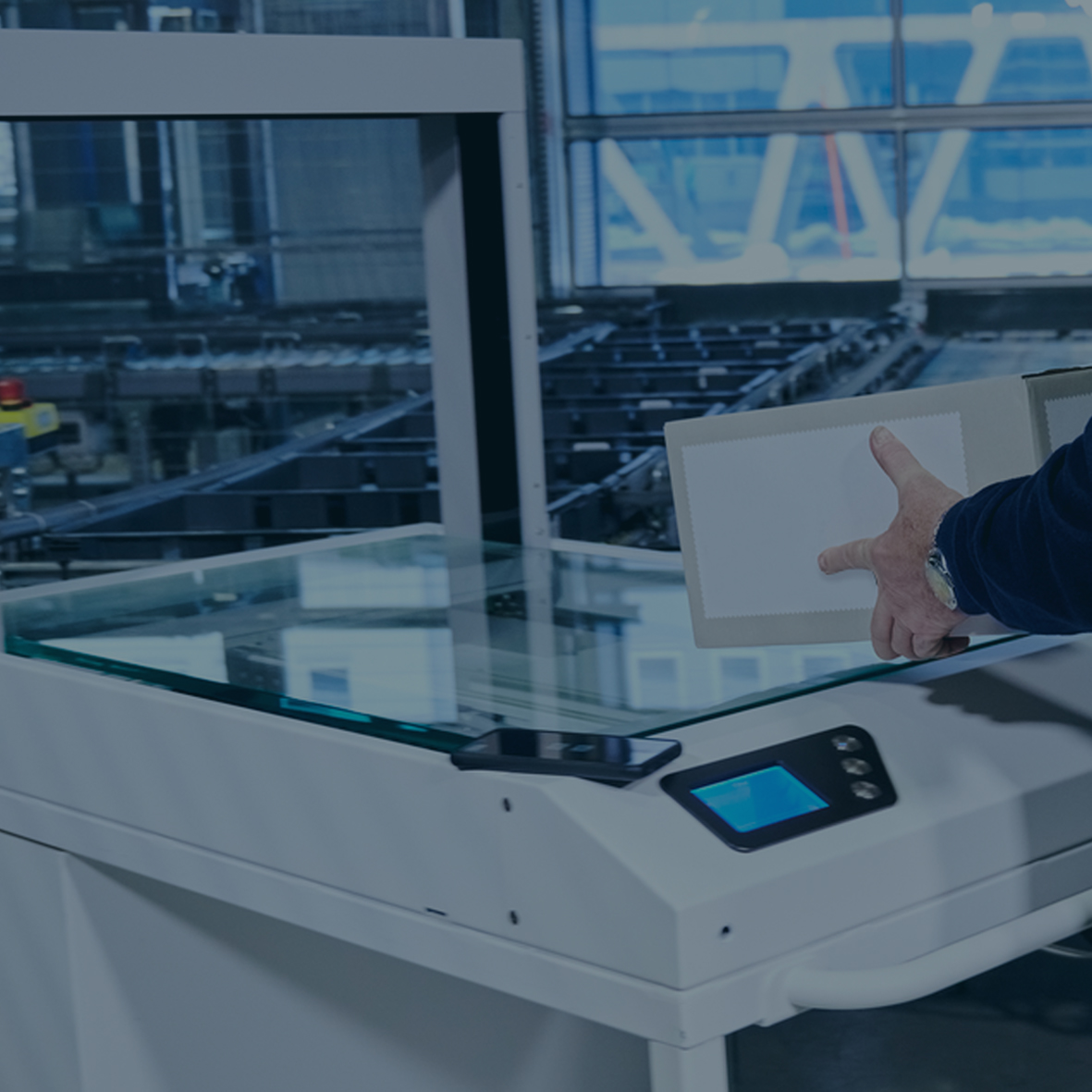
After physically registering the items, all relevant master data is digitally added and verified with tools like the MultiScan. Dimensions, weight and important article attributes are recorded at the touch of a button or with a scan. Additional information such as packaging units or product images can be added easily. This creates a clean, complete database for further processes without any manual intermediate steps.
After physically registering the items, all relevant master data is digitally added and verified with tools like the MultiScan. Dimensions, weight and important article attributes are recorded at the touch of a button or with a scan. Additional information such as packaging units or product images can be added easily. This creates a clean, complete database for further processes without any manual intermediate steps.
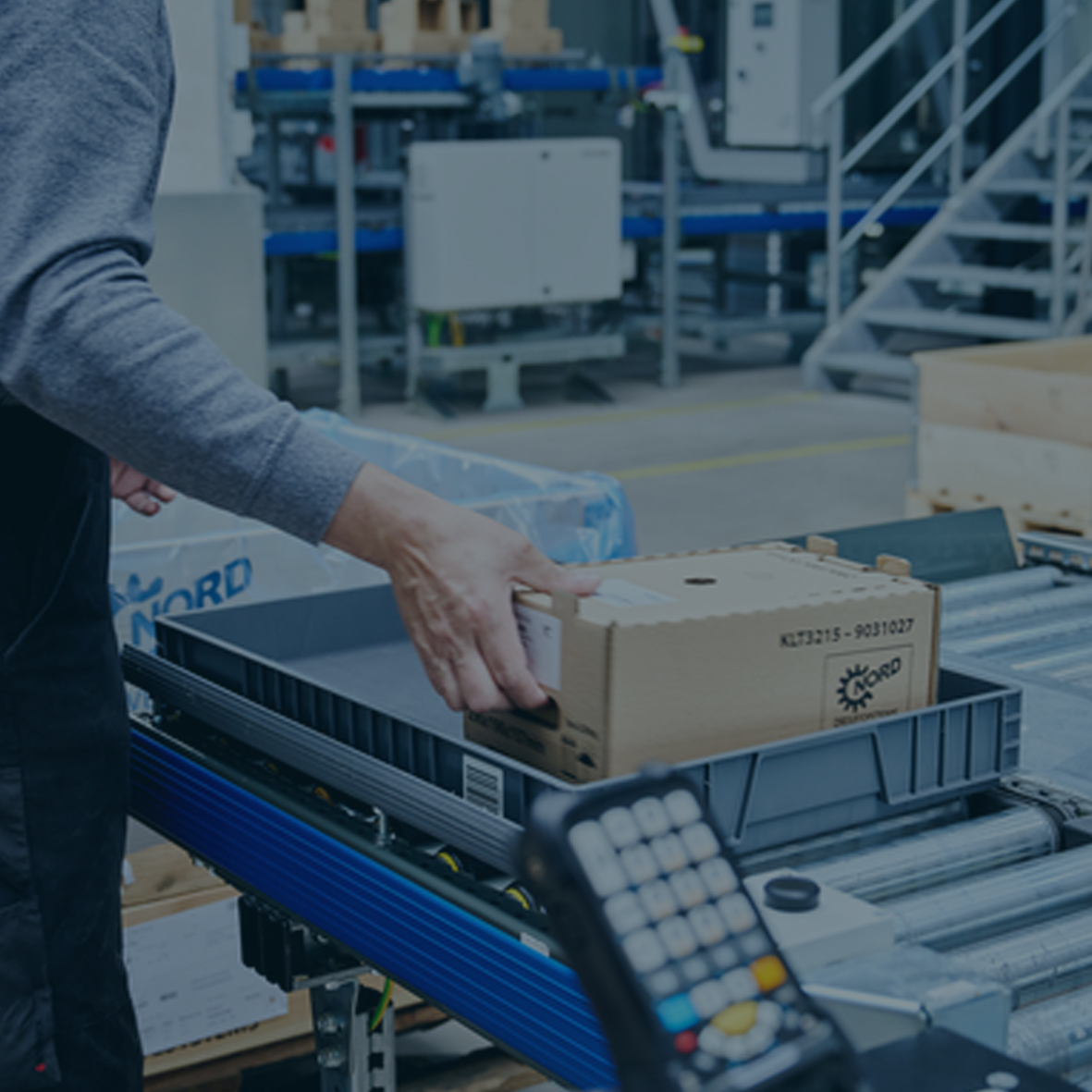
Deviations, damage, or missing data are immediately visible thanks to digital checklists and photos. Goods can be blocked directly on site or marked for review.
Deviations, damage, or missing data are immediately visible thanks to digital checklists and photos. Goods can be blocked directly on site or marked for review.
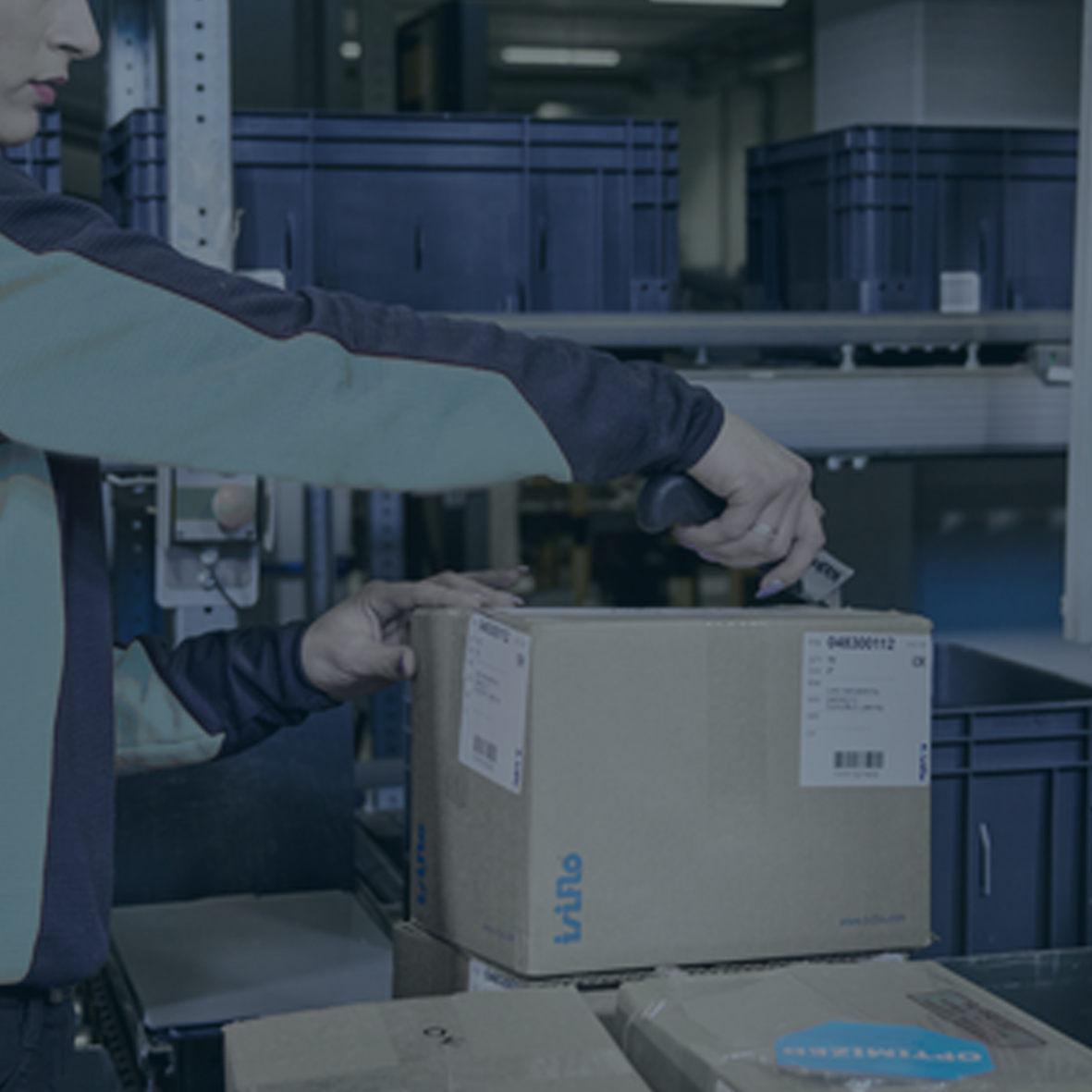
Once the inspection is complete, accepted goods are added to the inventory and prepared for storage. All relevant information is documented so that goods can reach their next destination in the warehouse quickly and safely.
Once the inspection is complete, accepted goods are added to the inventory and prepared for storage. All relevant information is documented so that goods can reach their next destination in the warehouse quickly and safely.
From small warehouses to large logistics facilities, everyone encounters certain obstacles in goods -in. So, we have pooled all of our expert knowledge to help you find the right answer to each of your questions. You will find specific solutions at a glance – understandable, implementable, and step by step.
Whether you are a start-up or an experienced medium-sized company, every business faces certain questions: How can deliveries be processed efficiently and transparently? How can we ensure that all information is recorded reliably and up to date? And how do we proceed when discrepancies arise between orders and deliveries?


