


Goods -out marks the final step in your warehouse operations. With a well-designed dispatch process, you can ensure that every delivery arrives at the customer on time, in full, and as ordered. But what defines an optimal goods -out process, and how can you lay the foundation for satisfied customers and sustainable growth?
Everything at a glance - from packing station to dispatch.
Clearly defined processes and clean data are the foundation for a smooth goods -out process. Intelligent digitalization solutions help you pick orders error-free, track shipments transparently, and avoid bottlenecks in the dispatch area. Solutions such as automated scanning, digital checklists, and real-time tracking create the basis on which you can grow flexibly. So what does that look like in practice?

As soon as a dispatch order is submitted, employees receive precise instructions detailing the required articles and quantities for assembly. Mobile scans and digital pick lists ensure that no item is forgotten and that every order is fulfilled flawlessly.
As soon as a dispatch order is submitted, employees receive precise instructions detailing the required articles and quantities for assembly. Mobile scans and digital pick lists ensure that no item is forgotten and that every order is fulfilled flawlessly.
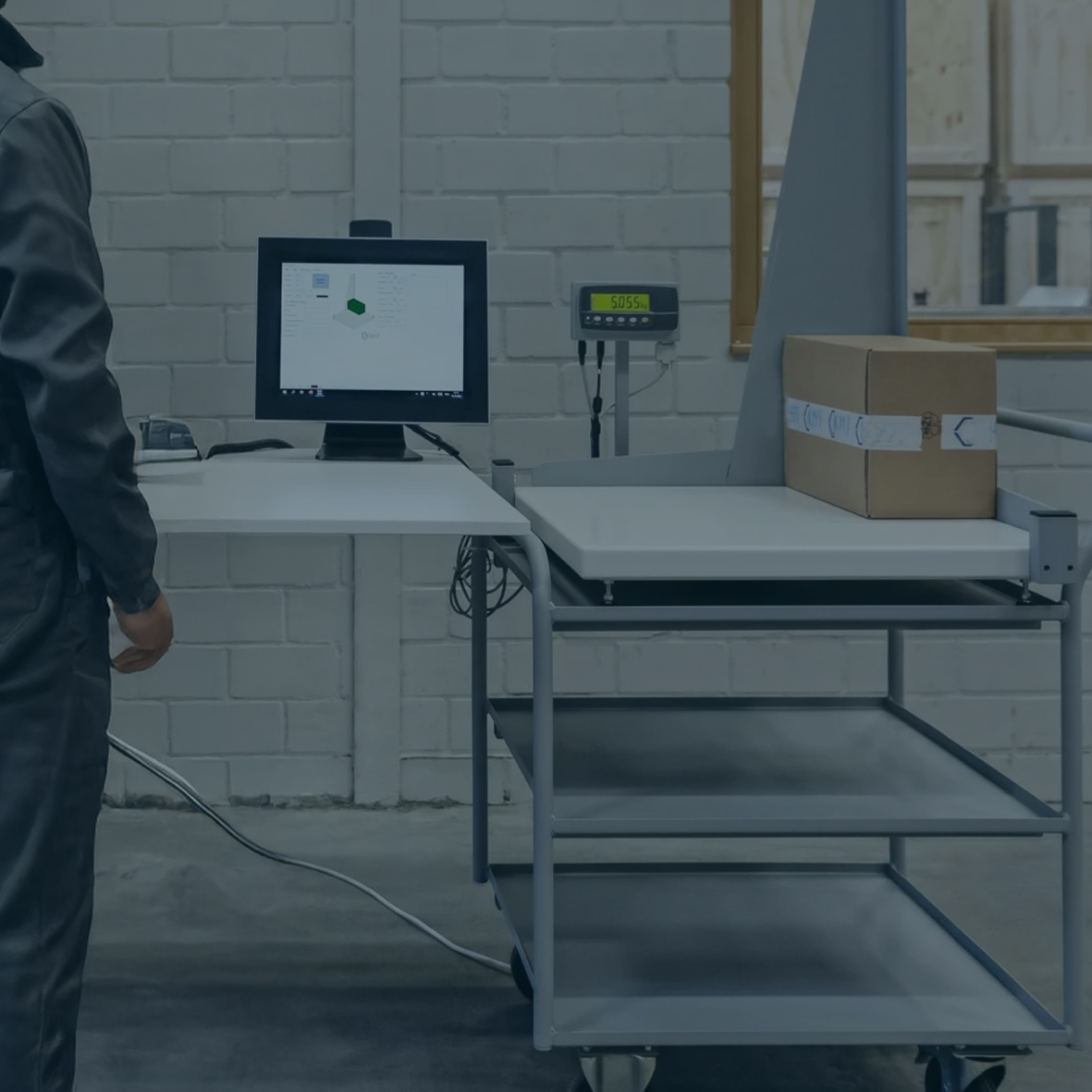
All data relevant for dispatch—from the type of packaging to handling instructions—is stored digitally in the system. Scans automatically record shipment numbers, weights, and special requirements. This means that every delivery can be easily identified and all information is available for downstream processes.
All data relevant for dispatch—from the type of packaging to handling instructions—is stored digitally in the system. Scans automatically record shipment numbers, weights, and special requirements. This means that every delivery can be easily identified and all information is available for downstream processes.
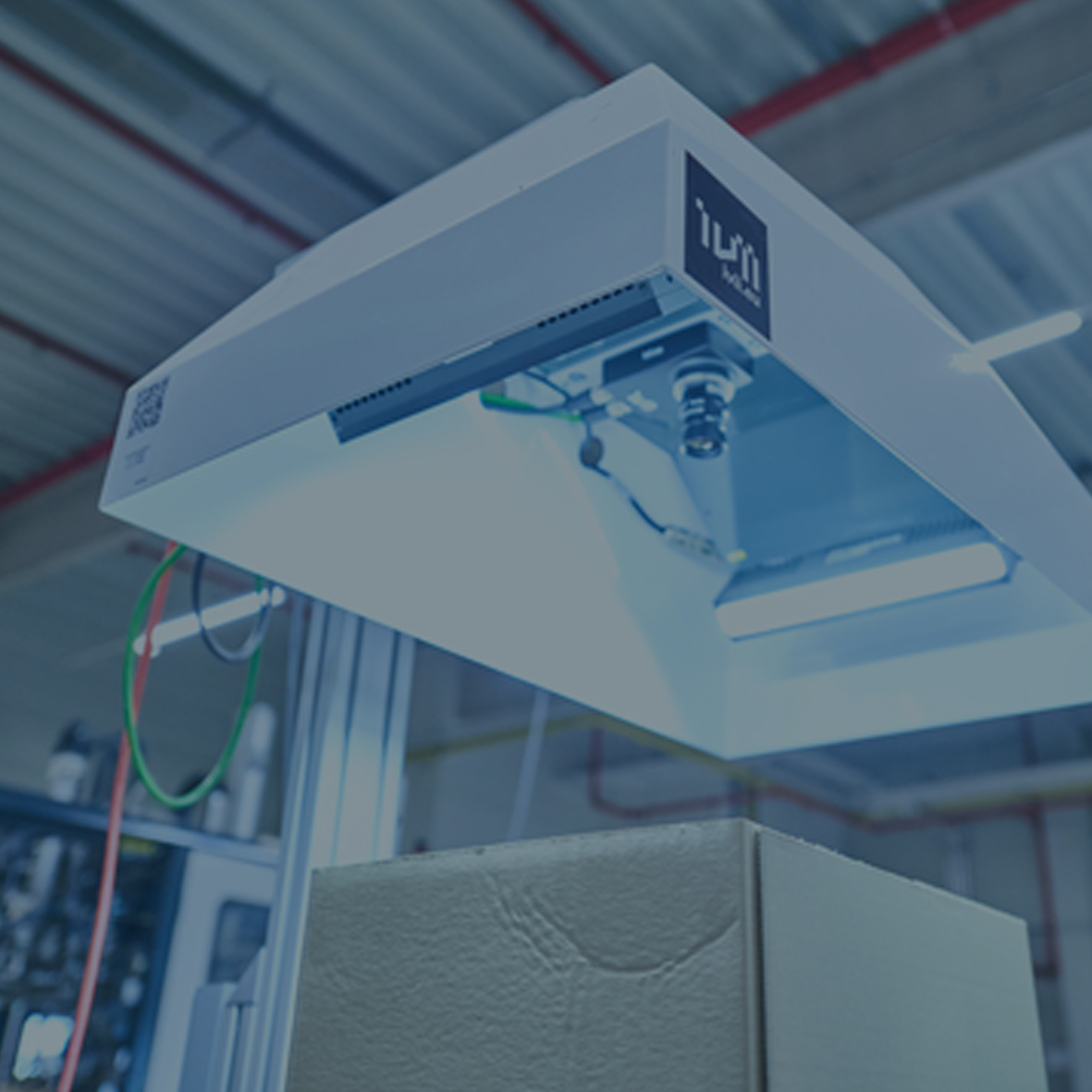
Before the shipment leaves the warehouse, it is checked for damage and accuracy. Digital checklists and photo documentation make any discrepancies immediately visible. Errors are corrected on site so that everything is in order for the recipients.
Before the shipment leaves the warehouse, it is checked for damage and accuracy. Digital checklists and photo documentation make any discrepancies immediately visible. Errors are corrected on site so that everything is in order for the recipients.
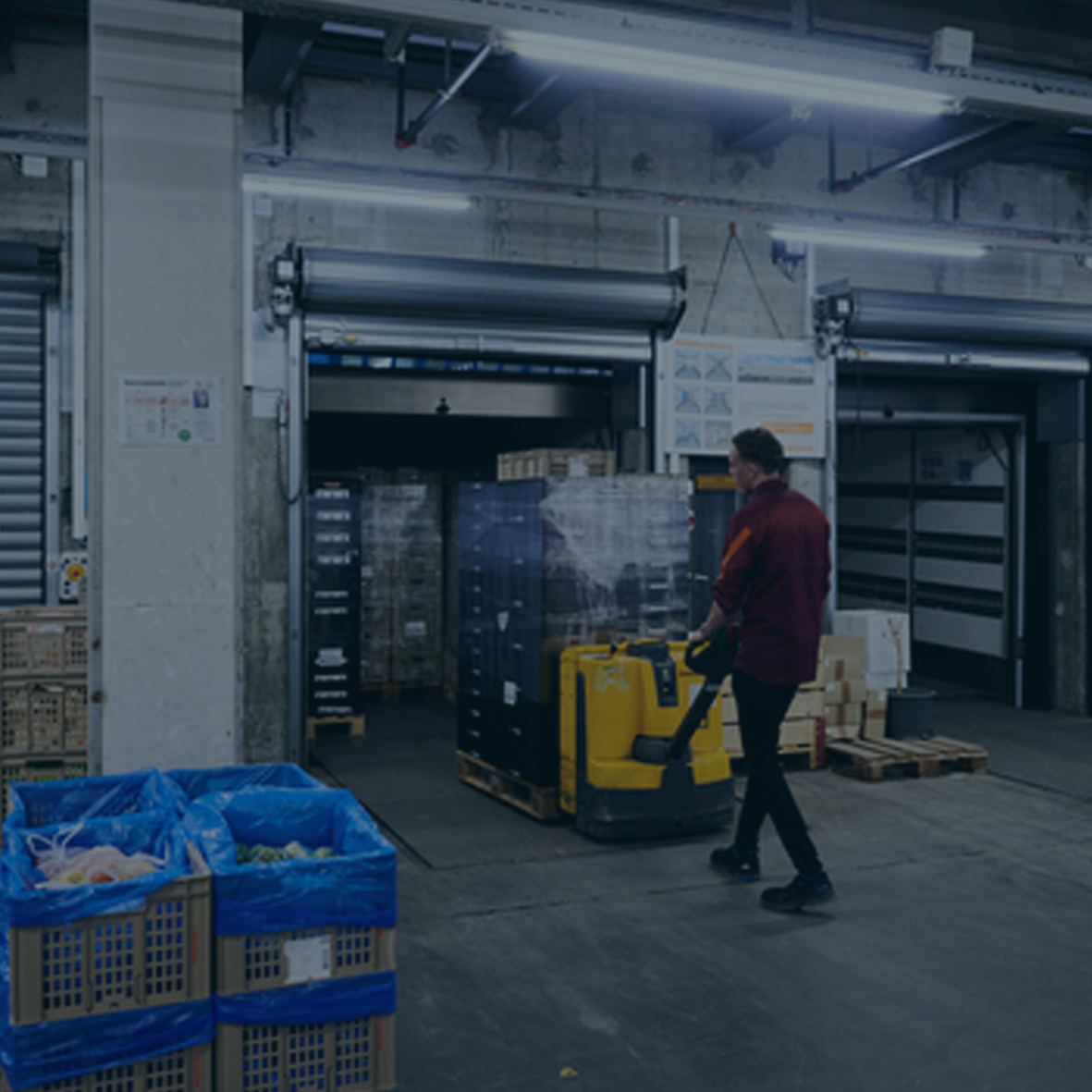
After the inspection, the items are packed securely for transport, labeled, and loaded. The shipment is digitally confirmed in the system, so everyone involved knows at all times which goods left the warehouse and when. Real-time tracking ensures transparency – both internally and for the customer.
After the inspection, the items are packed securely for transport, labeled, and loaded. The shipment is digitally confirmed in the system, so everyone involved knows at all times which goods left the warehouse and when. Real-time tracking ensures transparency – both internally and for the customer.
In the dispatch area, routine and stress often collide – from urgent last-minute orders to sudden changes in delivery notes. To help you keep track of things even in hectic times, we have summarized the most common stumbling blocks and our best practical tips for you. Here you will find clear, well-founded answers to the questions that really concern you in your everyday work, such as: What can you do to ensure that all shipments are reliably and traceably documented in the system? Or: How do you react when a delivery does not arrive as planned? And what do you do when last-minute changes require flexibility?


